A Step-by-Step Guide, Right on the Homepage
Six screens from install to export, so a new teammate can get set up without booking a call.

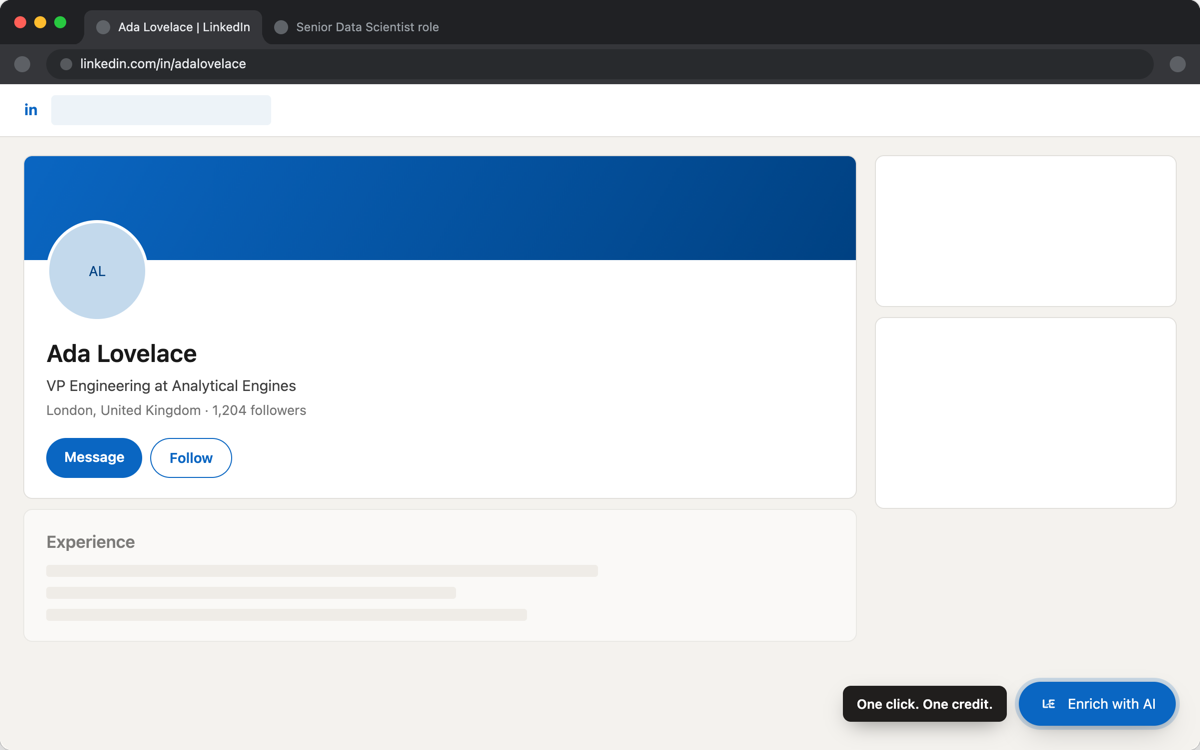
We added an interactive guide to the homepage that walks through the six steps of getting started: installing and pinning the extension, signing in, adding a job posting, enriching a profile, reading the result, and sending it to your CRM.
Who it's for
Mostly for the second and third person on a team, not the first. The first person usually figures the extension out by clicking around a LinkedIn profile; everyone who joins after them just gets a link to the guide instead of a Slack thread of screenshots.
Why it lives on the homepage and not a help center
A help article you have to go looking for doesn't get read before someone gives up and asks a teammate instead. Putting the walkthrough where people already land — right after they click through from an invite or the Chrome Web Store listing — means it's seen once, by the people who actually need it.