A Practical Guide to Cold Outreach on LinkedIn Without Getting Restricted
Volume kills LinkedIn accounts faster than tone does. Here's how to message at a pace the platform tolerates, and where automation should stop.

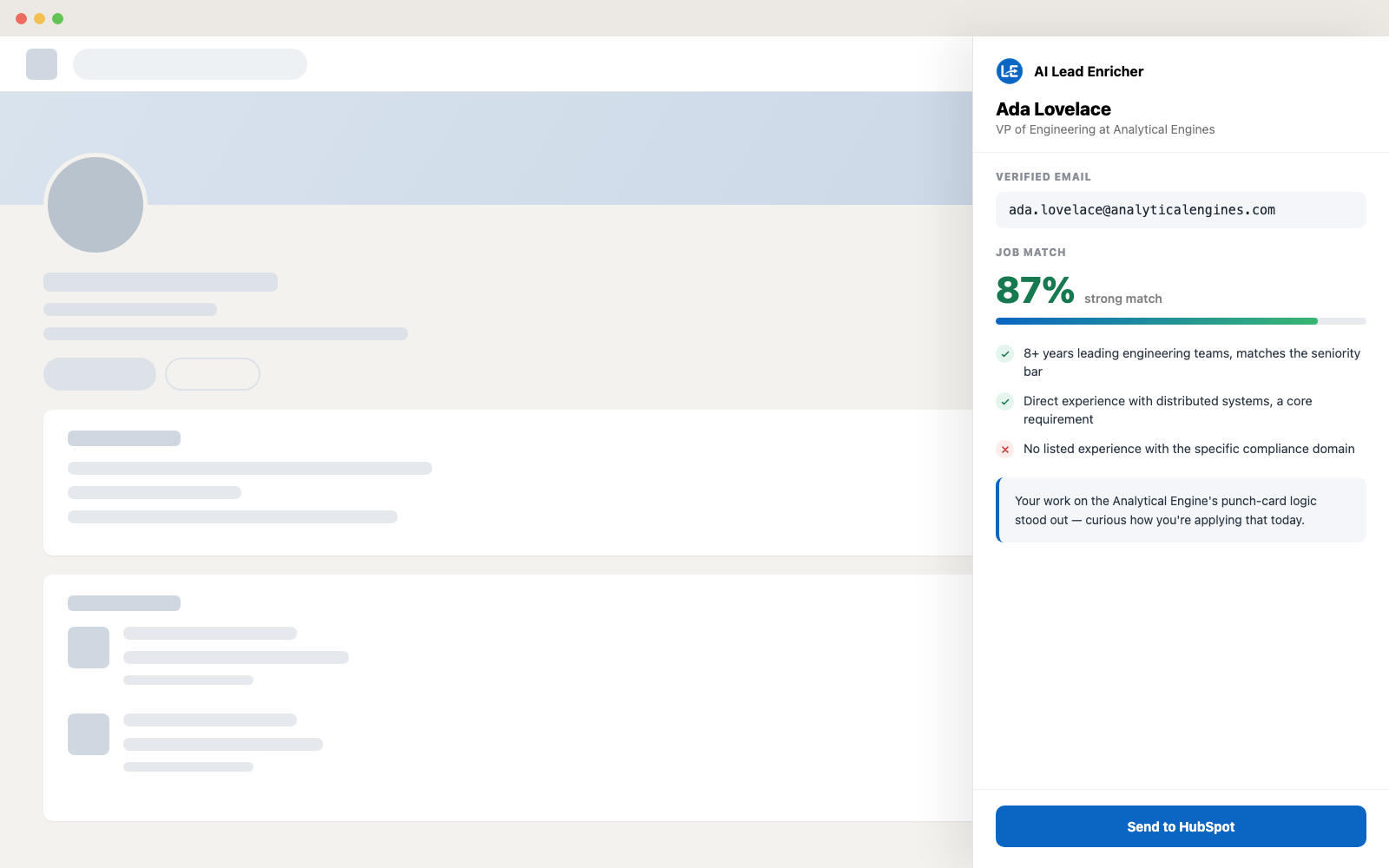
Cold outreach on LinkedIn still works better than cold email for most B2B sellers and recruiters — reply rates are higher because the message arrives somewhere the recipient already checks. The problem is almost never the copy. It's volume: accounts get restricted for sending too many connection requests too fast, not for sending an imperfect opener.
Why accounts get restricted
LinkedIn doesn't publish an exact cap, but in practice accounts that stay healthy send somewhere in the low hundreds of connection requests a week, spread out rather than sent in a burst. What actually triggers a review is usually a pattern, not a number: identical copy-pasted messages sent at machine-speed intervals, an acceptance rate that's unusually low because the requests weren't targeted, or a new account doing in its first week what an aged account could get away with.
A pace that holds up
Spread requests across the week instead of sending them in one sitting. Vary the send times. Keep a second, non-automated line in every opener — a detail from the person's actual experience, not just their name and title dropped into a template — because identical messages are what a spam filter (human or LinkedIn's own) is built to catch. And accept that a new account needs a slow first few weeks before it earns the trust to send at full pace.
What's safe to automate, and what isn't
The risky part of outreach automation is anything that clicks through LinkedIn's own UI on your behalf — auto-connecting, auto-messaging, scraping by scrolling the feed. That's the layer LinkedIn actively polices. Research is a different story: looking up a work email, summarizing someone's experience, or drafting a personalized opener doesn't touch LinkedIn's send or connect buttons at all, so it carries none of that risk. The practical split is automate the prep, do the sending yourself.
Personalizing at scale without forty open tabs
The usual reason people fall back to generic templates is that reading every profile and writing a real opener for each one doesn't scale past a dozen messages a day. That's the gap Lead Enricher is built for: open a profile, and a panel beside it writes an icebreaker from what that person actually did, plus a work email you can send the follow-up to once they don't accept the request. The research gets fast; the sending stays paced and human.